The short version
if you’re mid-scroll- A save is only a bookmark. If the post goes, the recipe goes with it.
- Find the real recipe first: the full caption, a pinned comment, the link in bio, or the video itself.
- Keep your own copy, with the creator’s name and the post link.
- Sort by how you cook. Once a week, clear out your saves.
You saved the recipe. Or did you? When you tap “save” on Instagram or TikTok, you’re saving a link to someone else’s post, not the recipe. If they delete it, archive it or go private, it vanishes from your Saved folder too.
And even when it’s still there, a video is a hard thing to cook from: you can’t search it, skim it, or glance at it with flour on your hands.
So here’s the fix: five quick steps to keep the recipe itself, for good, and find it again when it’s time to cook. Do it by hand, or let Plated Pages do it for you (more on that at the end).
Find the actual recipe
Before you save anything, find where the recipe really lives. It’s almost always in one of four places.
More detail: when it’s only in the video
Play it once without stopping. Then play it again and pause on each ingredient as it goes in. Write down what you see and what you hear.
If an amount is never given, write “not given” instead of a guess. Later, you’ll know which numbers came from the creator and which are yours to figure out.
Keep a copy you own
Copy the caption or comment into a note. If the text won’t copy, screenshot the ingredients and the method.
Then add two lines at the top: who made it, and the post link (tap Share, then Copy link). The link is how you find the video again when you need to see the fold.
- A few seconds later
- Photo saved
- Link to the original post
- Ingredients, with amounts
- Steps, one at a time
- Ready to cook
Someone developed that recipe. Their name should stay on it.
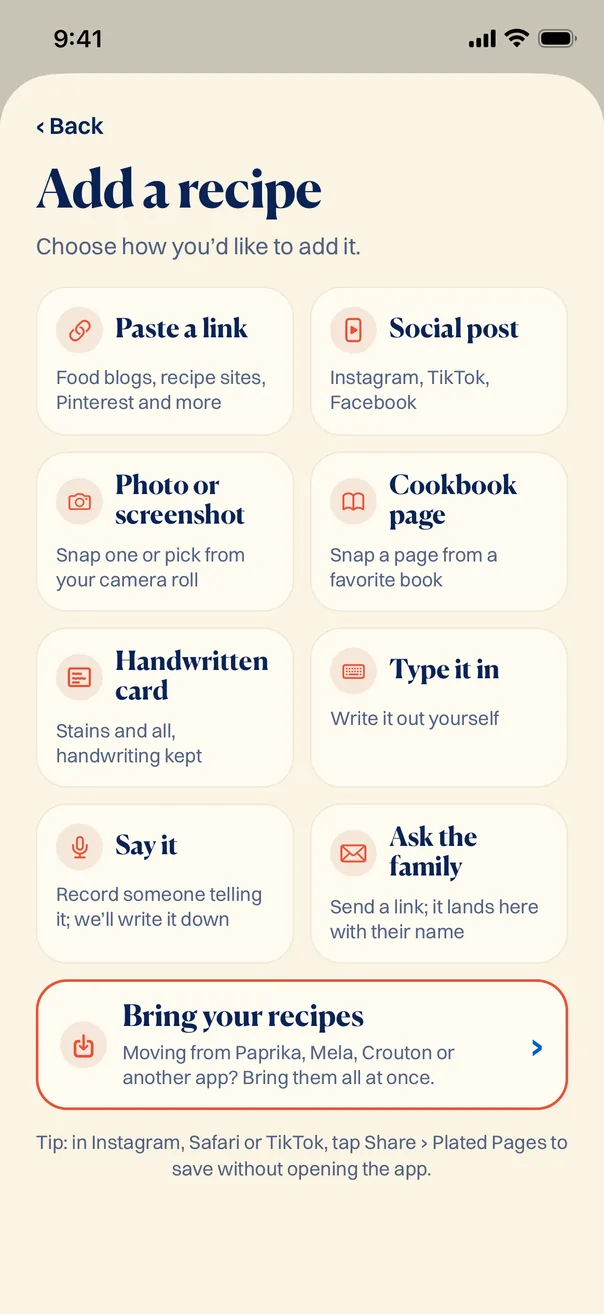
In Plated Pages, a social post is one of nine ways to add a recipe, all on one screen. Links, screenshots and cookbook pages work the same way, and you can bring your whole collection over from another app.
Give every recipe the same shape
A notes app turns into a junk drawer because every recipe looks different. Pick one layout and stick to it.
Every recipe, same shape
- Name of the dish
- Source (creator and link)
- Servings and roughly how long
- Ingredients, one per line, with amounts
- Steps, numbered
- Your notes (what you’d change next time)
It takes about three minutes a recipe.
“Lemony white bean soup” beats “the good soup.” Future you will search for the first one.
Sort by how you cook, not where you found it
You never stand in the kitchen wondering which app dinner came from. Sort by the question you actually ask.
Five or six folders is plenty. When you’ve made something and would make it again, it leaves “To try.” That folder is the honest one.
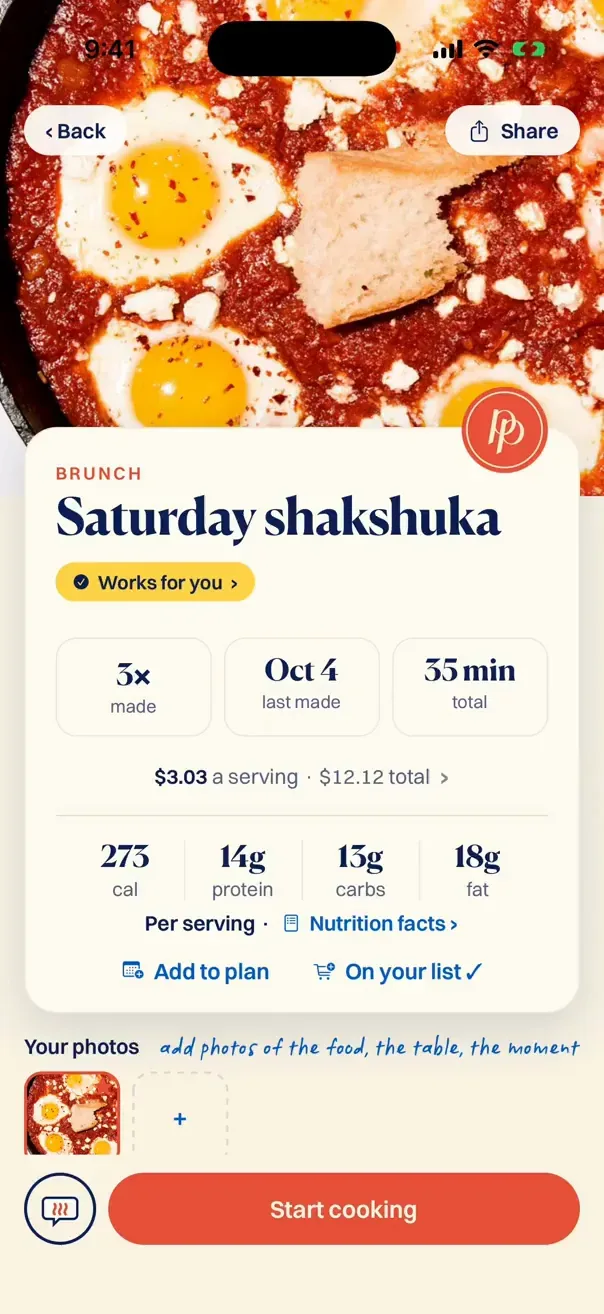
Every recipe in Plated Pages opens the same way: the dish, how long it takes, how often you’ve made it, and a button to start cooking.
Do a ten-minute sweep once a week
You’ll keep saving posts in the app. That’s fine. Treat those saves like an inbox, not a recipe box.
- Open your saved posts.
- Keep a copy of the ones you’ll actually make (steps 1 to 3).
- Put each one in a folder (step 4).
- Remove the save.
Skipped it twice? Let it go. You were never going to make the seven-layer thing.
Collections make the sweep quicker. On Instagram, press and hold the bookmark icon to add a post to a collection. On TikTok, saved videos go to Favorites, where you can make collections too. Make one called “To keep,” and each week you only have one short list to go through.
Don’t try to clear them in one night. Do the ten newest each week and the backlog shrinks on its own. The old ones you never think about are the easiest to let go.
Where Plated Pages helps
Everything above works. It’s also a chore most of us drop by week three, which is why we built Plated Pages to do the boring parts.
Share the post or paste the link, and it comes back typed up, tidy and in one place. Check it, add your notes, pick a chapter (like the little tabs in a recipe box).
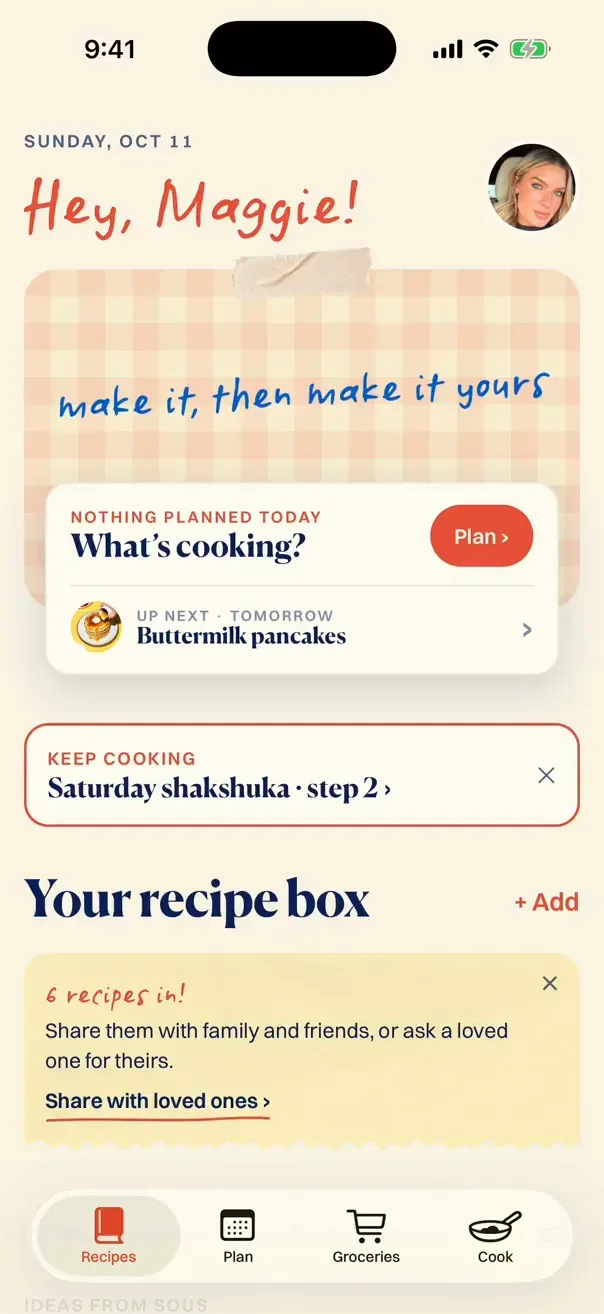
Then drop it on any day in your week. Its ingredients join one grocery list sorted by aisle, and when you cook, Sous reads each step out loud.
If an amount is only said out loud in a video, check the typed-up version against the post before you cook. Good advice for any tool, ours included.
Questions people ask
If a creator deletes a post, do I lose the recipe I saved?
Yes. Saving a post inside Instagram or TikTok only keeps a bookmark to it. If the post is deleted, archived or made private, the recipe goes with it. Copy the ingredients and steps somewhere you control to keep them. With Plated Pages, the whole recipe, ingredients and steps, goes into your collection the moment you save it, so it stays even if the post is deleted. Only the original video won’t play anymore.
Where do my saved posts live?
On Instagram, open your profile, then the menu, then Saved. On TikTok, open your profile and look for the Favorites tab (the bookmark icon). Both apps let you group saves into collections. Menus move around, so if a step doesn’t match, search the app’s help for “saved” or “favorites.”
What if the recipe is only in the video?
Check the full caption, the creator’s pinned comment and the link in their profile first. If it’s only in the video, pause on each ingredient and write the amounts down as you go, including anything that’s only said out loud. Write “not given” for anything missing rather than guessing.
Can Plated Pages get a recipe that’s only in the video?
Yes. When a post’s caption has no recipe, Plated Pages listens to the video and writes the recipe out for you, with the creator’s name on it. It asks your permission first, before anything is sent. It works with videos from Instagram, TikTok, Facebook and YouTube Shorts. Give the amounts a quick check against the video before you cook, since spoken numbers are easy to mishear.
Is it OK to keep a copy of someone else’s recipe?
Keeping a copy for your own cooking is what most people do. Keep the creator’s name and a link with it, and don’t republish their photos, video or written method as your own.